How does it work?
No registration, no credit card, and no GitHub/Bitbucket permissions required
What You Need
- A server (for example, a server on Hetzner, DigitalOcean, Scaleway, etc.) with a public IP (at least one public IP per project), SSH access, and Ubuntu 22.04
- Dockerfile in the root folder of your project (haven't Dockerfile yet - just search or ask AI "create dockerfile for Node.js" or "create dockerfile for go"), etc.
- (Optional) Domain name
Deploy from local folders
In the root folder of your project on your local machine, run the following command
(replace
server_public_ip with the IP of your server and
port_your_app_listens_to with a port you use in your service/app):
curl https://turbocloud.dev/deploy | bash -s -- -i server_public_ip -p port
To use a custom domain, add the -d parameter (make sure your domain’s A record points to your server’s IP address):
curl https://turbocloud.dev/deploy | bash -s -- -i server_public_ip -p port -d some_domain.com
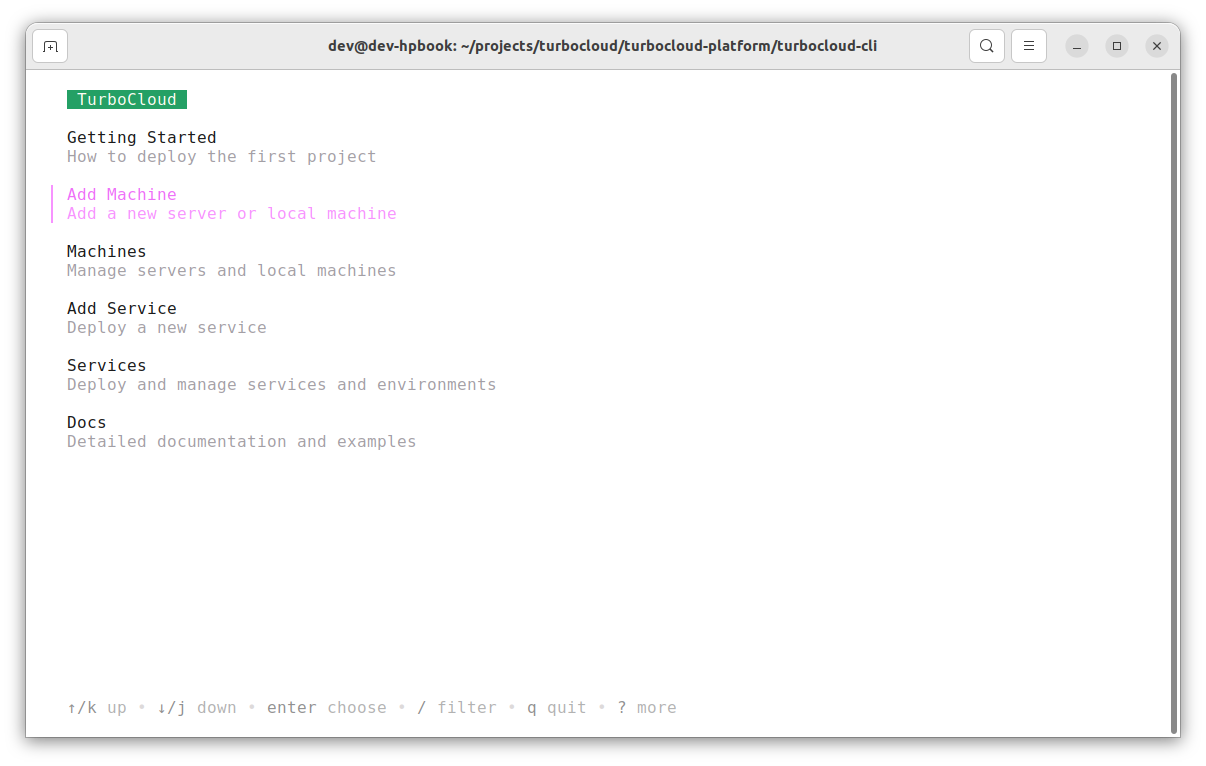
Once installation is complete, open
console.turbocloud.dev in a browser to add and manage servers/apps/databases/localhost tunnels.
Deploy from GitHub and Bitbucket
Run the setup command on your development machine (replace
server_public_ip with your server's IP address; SSH access to the server is required):
curl https://turbocloud.dev/quick-start | bash -s -- -i server_public_ip
Once installation is complete, open
console.turbocloud.dev in a browser to add and manage servers/apps/databases/localhost tunnels.